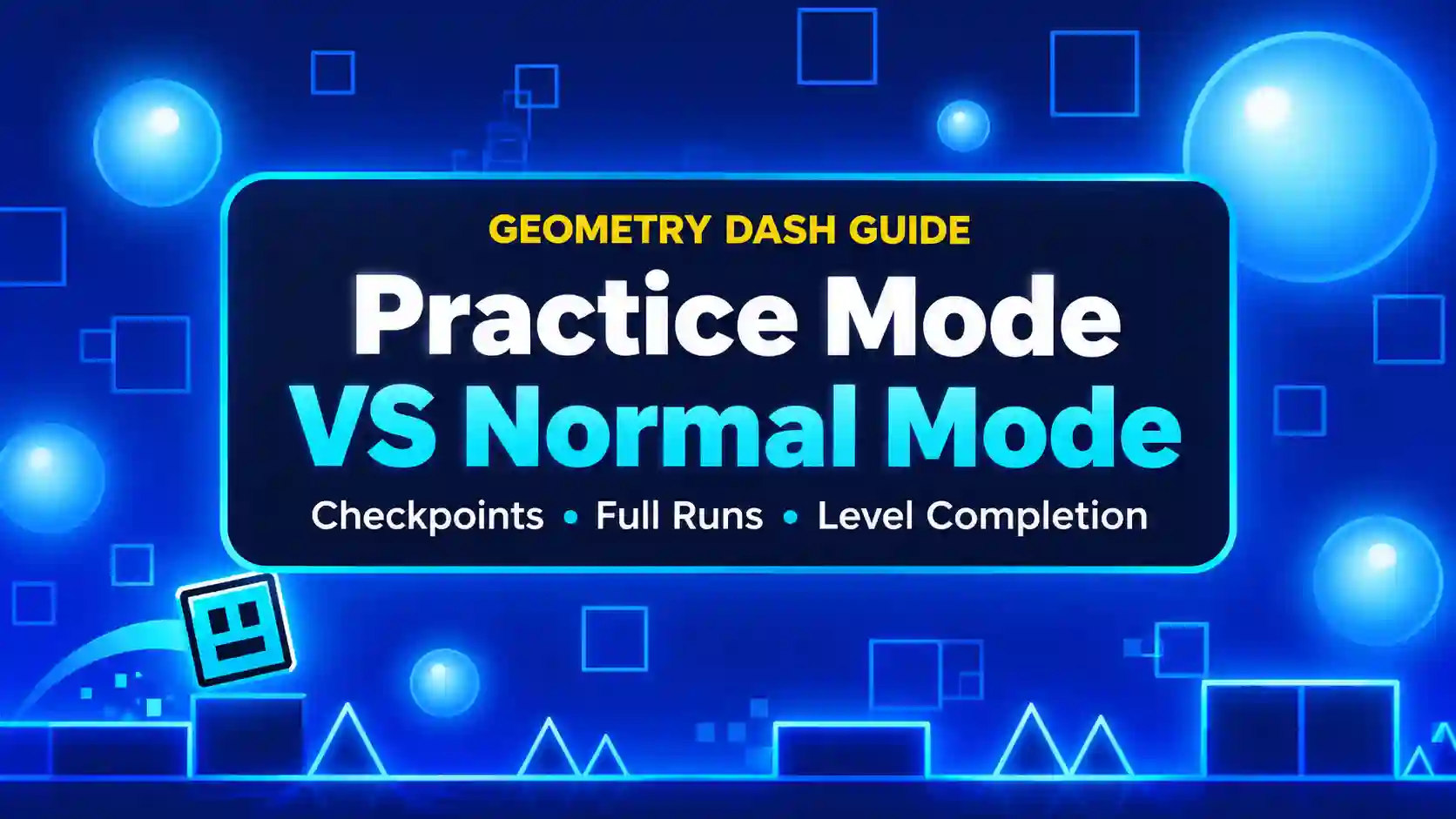
Geometry Dash Practice Mode vs Normal Mode: What’s the Difference?
One difficult jump can send you back to the beginning of a Geometry Dash level, even after you have spent several minutes getting close to the finish. This is where understanding Practice Mode vs Normal Mode can change the way you play. One mode helps you learn difficult sections without repeating the entire level, while the other challenges you to complete everything in one successful run. Knowing when to use each mode can save time, reduce frustration, and help you become a more consistent player.
What Is Practice Mode in Geometry Dash?
Practice Mode is a training feature in Geometry Dash that helps you learn a level by placing checkpoints along your route. When your icon crashes, you return to your latest checkpoint instead of starting the entire level again. This makes it easier to practise difficult jumps, narrow passages, and fast sequences until you understand their timing.
How Practice Mode Works
You can enter Practice Mode by opening a level and selecting the Practice option from the pause menu. As you move through the level, the game places checkpoints that let you continue from a nearby position after a crash. You can also place checkpoints manually when you want to focus on a particular section.
For example, if you keep crashing at a difficult wave section, you can practise that part repeatedly without replaying the easier sections before it. This helps you understand the movements and timing required to pass the obstacle.
How Checkpoints Help You Learn Difficult Sections
Checkpoints allow you to focus on one problem at a time instead of trying to complete the entire level on every attempt. You can repeat a difficult jump, learn when to tap, and adjust your timing until you become more comfortable with the section.
However, passing a section from a checkpoint does not mean you can complete the level from the beginning. You still need to connect each section into a successful full run.
What Is Normal Mode in Geometry Dash?
Normal Mode is the standard way to play Geometry Dash levels. You must travel from the beginning to the finish without crashing, and a single mistake in a classic level sends you back to the start. Unlike Practice Mode, you cannot rely on player-placed practice checkpoints to continue from the middle of the level.
How a Normal Run Works
In Normal Mode, every jump, click, and movement matters because you must survive the entire level in one run. Early sections may feel easy, but a mistake near the finish can force you to repeat everything.
This makes Normal Mode a test of both skill and consistency. You need to understand the obstacles, react at the right moments, and maintain your concentration throughout the level.
Why Completing the Whole Level Matters
Normal Mode is where you earn a standard level completion. It also allows you to collect eligible rewards during a successful run, including coins that you have not collected previously.
Practice Mode can help you learn the route, but Normal Mode tests whether you can follow that route successfully from start to finish. This is why players often switch between the two modes when working on difficult levels.
Practice Mode vs Normal Mode: Key Differences
The main difference between Practice Mode and Normal Mode is how each mode handles mistakes, progress, and level completion. The table below compares their main features, including checkpoints, rewards, and music.
| Feature | Practice Mode | Normal Mode |
| Main purpose | Learn difficult sections | Complete the entire level |
| After a crash | Return to the latest checkpoint | Restart from the beginning in classic levels |
| Checkpoints | Supports automatic and manual checkpoints | No player-placed Practice Mode checkpoints in classic levels |
| Difficult sections | Repeat obstacles without replaying the entire level | Reach obstacles again by replaying earlier sections |
| Level completion | Does not count as standard completion | Records standard completion when you finish successfully |
| Progress tracking | Practice progress is tracked separately | Tracks normal completion progress |
| Completion rewards | Standard completion rewards are generally not awarded | Eligible completion rewards can be earned |
| Achievements | Some achievements may still unlock | Eligible achievements can unlock |
| Music | Normally uses an alternative practice soundtrack | Uses the level’s regular soundtrack |
| Music settings | Music Unlocker can enable the original level music | Plays the regular level music |
| Best use | Learning timing and mastering difficult sections | Testing consistency and completing the level |
Does Practice Mode Count as Beating a Level?
No, reaching the finish in Practice Mode does not count as a standard level completion in Geometry Dash. Practice Mode records training progress separately, so you must complete the level in Normal Mode to earn its normal completion status.
This distinction is important when you are working toward a difficult level or trying to improve your completion record. You can use Practice Mode to learn every obstacle, but you still need to complete the entire level without crashing in Normal Mode.
Some achievements may unlock during practice, so achievements and standard level completion should not be treated as the same thing.
Which Mode Is Better for Beginners?
Choosing between Practice Mode and Normal Mode depends on your experience and how comfortable you feel with the level. Both modes offer different ways to learn obstacles, improve timing, and understand Geometry Dash gameplay.
| Situation | Best Mode | Why? |
| Learning unfamiliar obstacles | Practice Mode | You can retry difficult sections without restarting the entire level. |
| Improving timing | Practice Mode | You can repeat jumps and movements until you understand the correct timing. |
| Learning difficult sections | Practice Mode | Checkpoints help you focus on obstacles that cause problems. |
| Testing your skills | Normal Mode | You must complete the level from beginning to end without crashing. |
| Building consistency | Normal Mode | You learn to pass earlier sections before reaching the difficult parts. |
| Completing a level | Normal Mode | A successful run earns standard level completion. |
For beginners, Practice Mode is the best place to start, but Normal Mode is essential for completing levels. Learn difficult sections in Practice Mode first, then switch to Normal Mode to test your skills and build consistency.
How to Use Practice Mode to Beat Difficult Levels
Practice Mode becomes much more useful when you follow a clear training process instead of placing checkpoints randomly and hoping to improve.
Find the Section That Causes Problems
Start by playing the level and identifying the obstacle where you crash most often. Pay attention to whether the problem comes from a difficult jump, a quick sequence of taps, or a change in movement mode. Once you understand what causes the mistake, you can focus your practice on that specific section rather than spending time repeating obstacles you already know.
Place Checkpoints Before Difficult Sections
Place a manual checkpoint shortly before the obstacle you want to learn. This gives you enough space to prepare for the jump or movement instead of respawning directly inside a difficult situation. If you need to understand a longer sequence, use additional checkpoints to practise its different parts before attempting the whole section.
Practise Until You Can Repeat the Section
Do not switch back to Normal Mode immediately after passing an obstacle once. Repeat the section until you can complete it reliably and understand the timing needed to avoid crashing. For example, if you keep missing a jump because you tap too early, adjust your timing and try again. Learning why a mistake happens is more useful than simply getting through the obstacle by chance.
Connect Sections and Return to Normal Mode
After learning individual sections, practise connecting them so you understand how one obstacle leads into the next. These transitions can feel harder during a complete run, so focus on passing several sections in a row before moving forward.
Once the difficult parts become familiar, return to Normal Mode and attempt the level from the beginning. If you repeatedly fail at the same point, switch back to Practice Mode and work on that section again. This approach helps you build consistency and spend less time repeating obstacles you have already mastered.
Why Does Normal Mode Feel Harder After Practice Mode?
Normal Mode can feel harder because you must reach difficult sections without making mistakes earlier in the level. In Practice Mode, checkpoints let you retry obstacles quickly, but Normal Mode requires you to repeat the earlier sections after every crash.
Concentration becomes even more important when you approach the finish after surviving several difficult sections. To improve your chances, practise individual obstacles first, learn how to connect them smoothly, and then build confidence by attempting complete runs in Normal Mode.
FAQs
Can You Get Rewards in Practice Mode?
Practice Mode does not generally award the usual rewards for completing a level. You must complete the level in Normal Mode to earn its standard completion rewards, although some achievements may still unlock during practice.
Does Practice Mode Save Your Progress?
Practice Mode tracks your training progress separately from normal completion. Checkpoints help you continue practising after a crash, but reaching the finish in practice does not replace a successful Normal Mode run.
Can You Use Checkpoints in Normal Mode?
Classic levels do not provide player-placed Practice Mode checkpoints during Normal Mode. However, Platformer Mode has its own checkpoint mechanics, so checkpoint behavior can differ depending on the level type.
Should Beginners Start With Practice Mode?
Yes, Practice Mode is a useful way for beginners to learn difficult obstacles and understand timing. After becoming comfortable with the level, switch to Normal Mode to practise completing it from start to finish.
Does Practice Mode Use Different Music?
Practice Mode normally uses an alternative soundtrack rather than the level’s original music. The Music Unlocker option allows players to use the original level music during practice.
Final Verdict: Practice First, Then Play Normally
The best way to improve in Geometry Dash is to use Practice Mode to learn difficult sections and Normal Mode to test your skills during a complete run. Understanding Practice Mode vs Normal Mode helps you spend less time repeating familiar obstacles and more time improving the parts that cause problems. Practise with a purpose, learn from each mistake, and return to Normal Mode when you are ready to complete the level.