Geometry Dash 2.209 Update: All 20 New Features Explained (Full List + Fixes)
Last updated: 17 October 2026
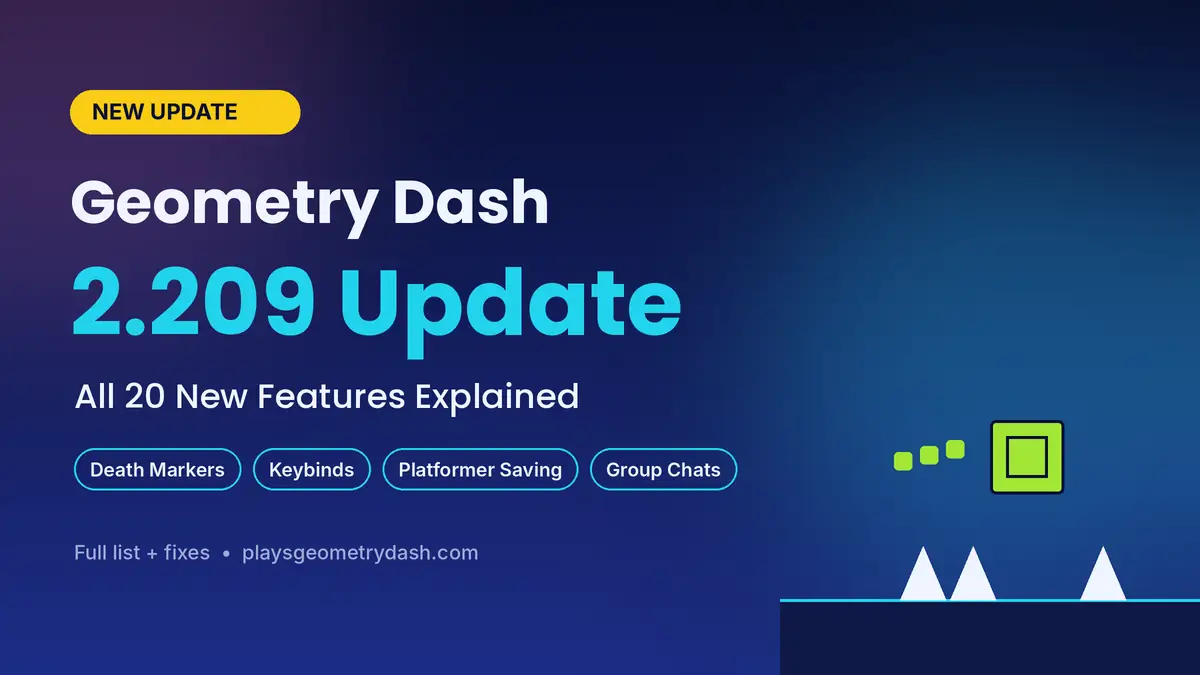
The Geometry Dash 2.209 release date was 15 October 2026, and the update hit Steam, iOS and Android together with 20 quality-of-life changes. RobTop Games skipped new levels this time and fixed what players asked for most, like platformer saving, custom keybinds and death markers. Below, I explain all the Geometry Dash 2.209 new features, show you how to use each one, and cover the Geode crash fix.
What’s New in Geometry Dash 2.209? (Quick Facts)
This is the Geometry Dash latest update, and it improves menus, controls, social tools and the level editor instead of adding levels.
| Detail | Info |
|---|---|
| Release date | 15 October 2026 |
| Platforms | Steam, iOS, Android |
| Steam build | 25909607 |
| Previous version | Update 2.2081 (21 January 2026) |
| Focus | Quality-of-life |
RobTop teased it in a Blueprint post on 5 September, and fans who spotted “10:1” expected 1 October, but it arrived two weeks later.
Geometry Dash 2.209 Patch Notes: Full Feature List
Geometry Dash 2.209 adds 20 changes, all in the SteamDB patch notes.
| Feature | Category | What it does |
|---|---|---|
| Platformer Saving | Gameplay | Checkpoints |
| Custom Keybinds | Gameplay | Remapping |
| Death Tracking | Gameplay | Stats |
| Death Markers | Gameplay | Deaths |
| Touch Controls | Gameplay | Layout |
| Start Pos | Gameplay | Practice |
| Level Replays | Gameplay | Dailies |
| Messaging | Social | Chats |
| Emotes | Social | Chat |
| Friends | Social | Sorting |
| Notifications | Social | Alerts |
| News Tab | Menu | Replaces menu |
| Options | Menu | Sections |
| Group ID Names | Editor | Labels |
| Auto-Save/Backup | Editor | Safety |
| Import/Export | Editor | Copies |
| Editor Sounds | Editor | Feedback |
| SFX Browser | Editor | Folders |
| Editor Tools | Editor | Grid |
| Bug Fixes | General | Fixes |
New Gameplay Features Explained
These changes show up as soon as you play.
Platformer Saving
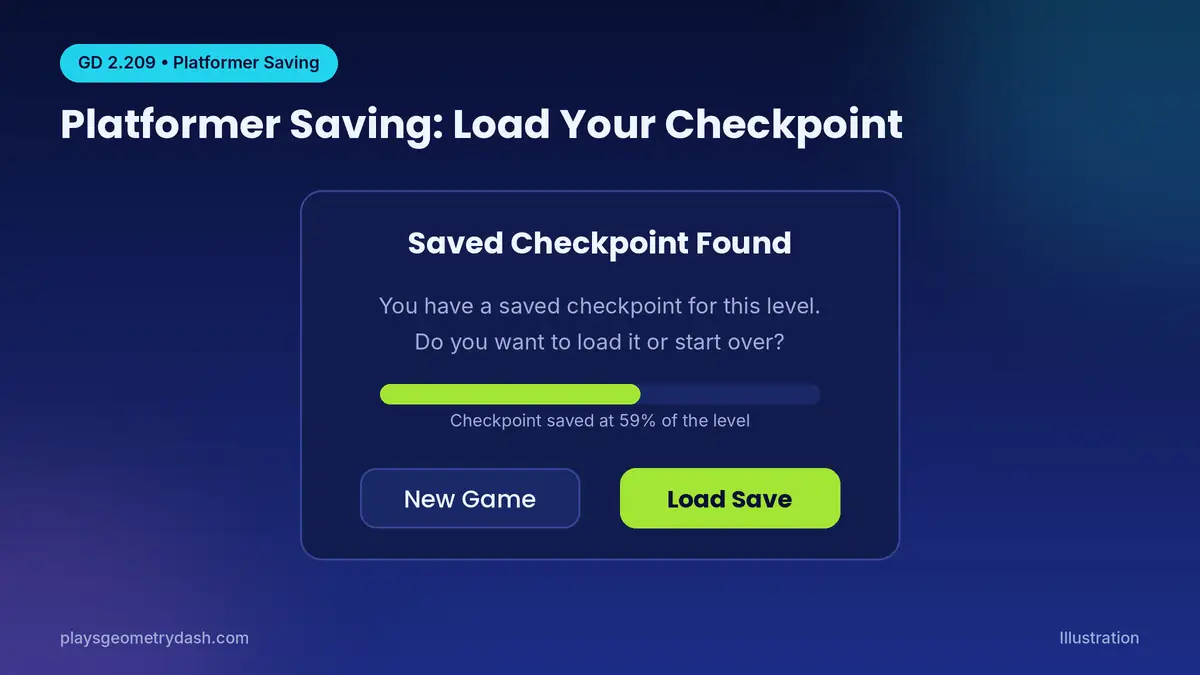
Platformer saving means you no longer lose progress when you leave a platformer level. When you open a level with a saved checkpoint, the game asks if you want a New Game or Load Save. This matters in huge platformer mode levels, where one crash used to wipe out an hour.
Death Markers
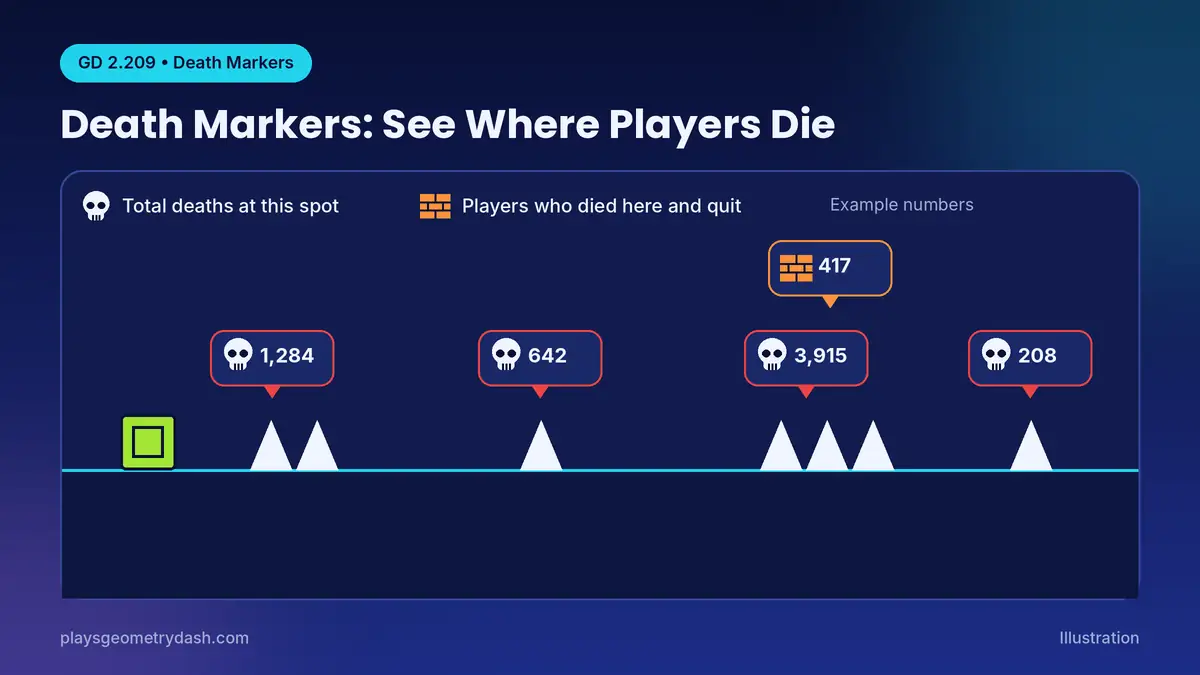
Death markers show where other players died in a level, and every marker is public. A skull icon shows total deaths at that spot, while a brick wall shows players who died there and quit. The markers also count how many people had that spot as their best run from 0%, so you see the hardest part before you reach it.
Death Tracking (Level Stats)
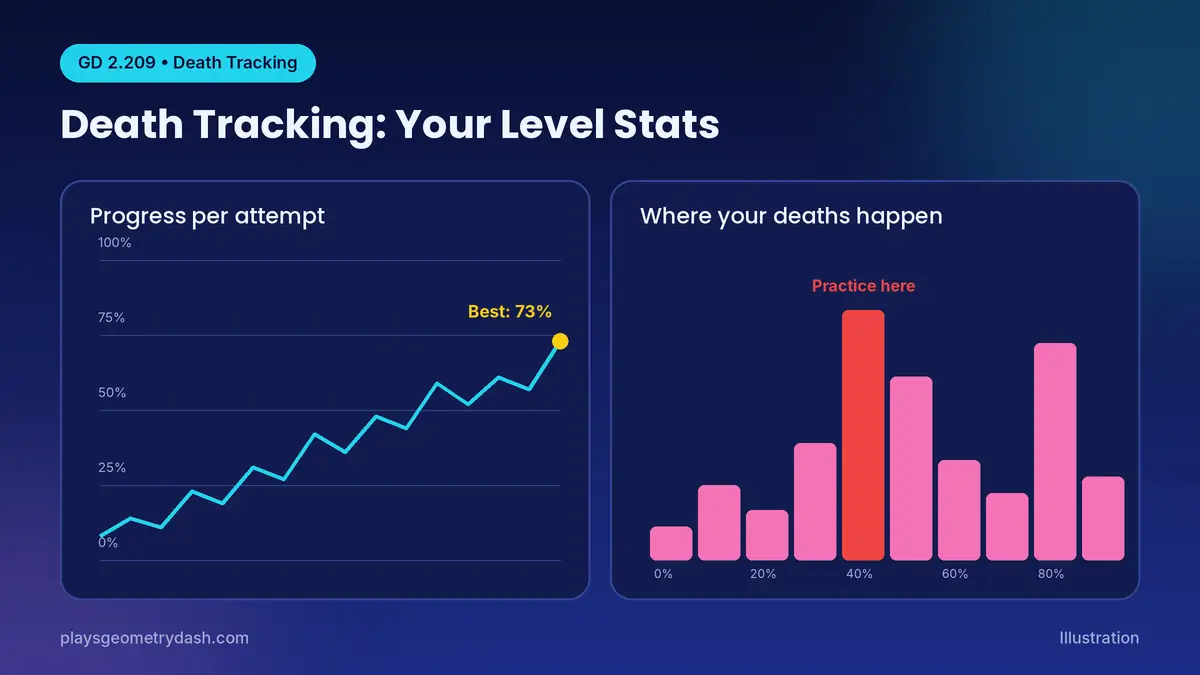
Death tracking gives you personal stats for each level. Tap the green skull button on the level page to see a graph of your progress across attempts and a chart of where your deaths pile up, which tells you what to practice next.
Custom Keybinds and Platformer Controls
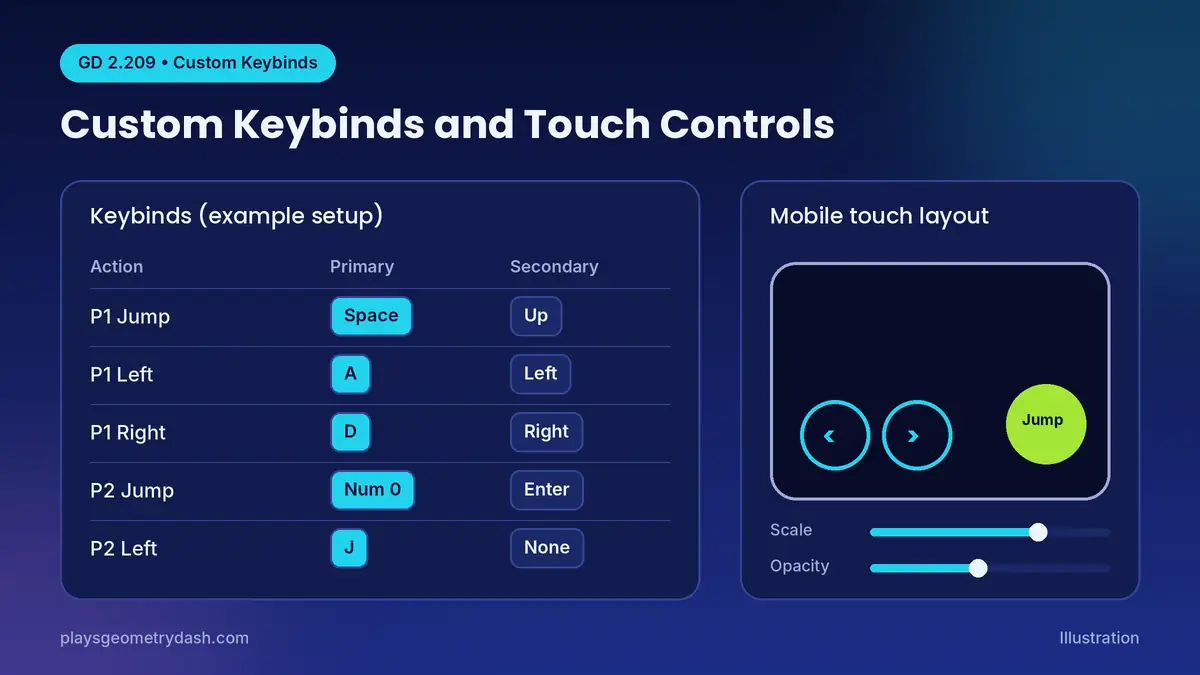
Custom keybinds let you pick your own keys over the defaults. On PC, you can set a primary and secondary key for Player 1 and Player 2, which helps in 2-player levels. On mobile, you can change the scale, opacity and position of the platformer touch buttons to fit your thumbs.
Start Position Switcher
The start position switcher lets you swap Start Pos points during gameplay, for faster practice. The Start Pos menu also adds Y velocity, free mode and custom start position names.
Replay Daily, Weekly and Event Levels
If you missed a Daily, Weekly or Event level, you can now go back and replay it after it leaves the rotation.
Social and Menu Changes
Chatting and settings got easier.
Group Chats, Message History and Emotes
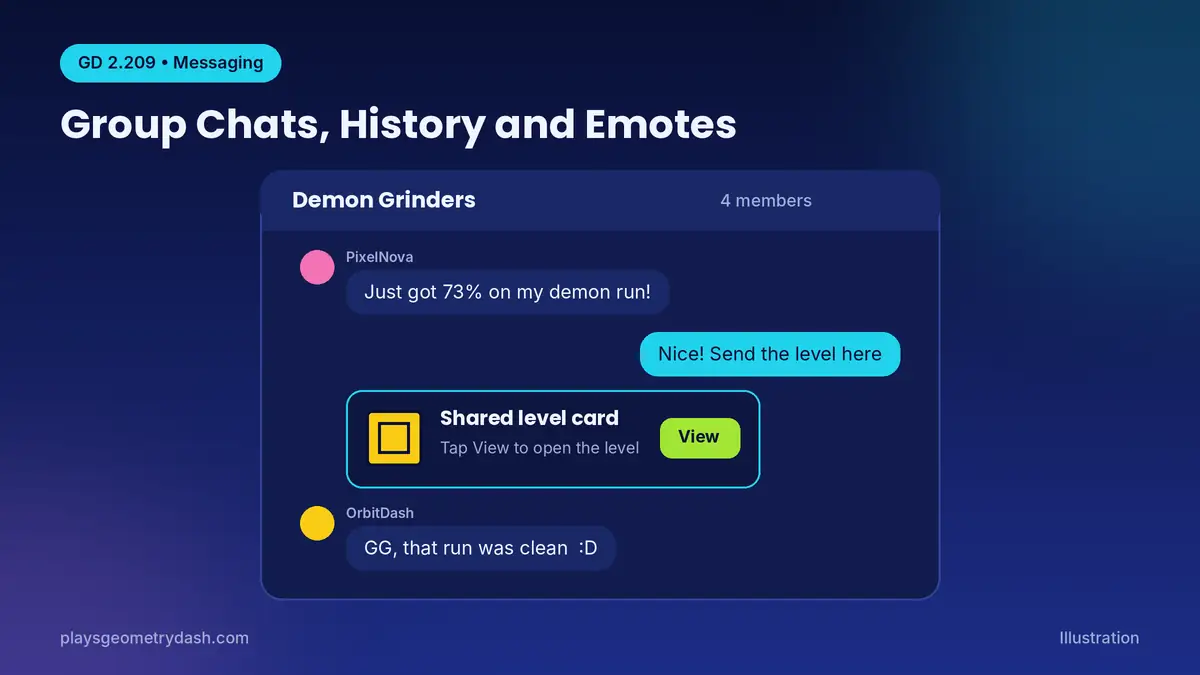
The messaging system now works like a real chat app. Before this update, a message was a one-off note to one player, like sending a letter, with no chat history. Now you can read your full history, start group chats with friends, and send a level card straight into a chat. Emotes also work in chats and in level comments.
Improved Friends, Following and Notifications
Your friends list now sorts players from A to Z and has quick-message buttons, so you can reach someone in seconds. A new in-game notification system also keeps you updated while you are playing.
News Tab and Redesigned Options
The News tab replaces the old More Games button on the main menu. The options menu is now split into clear sections, with Click on Steps and Auto-Retry under Gameplay, Disable Shake under Visuals, and hitbox trails plus skip death triggers under Practice.
Level Editor Upgrades for Creators
Creators get plenty of new help.
Group ID Names
Group ID names let you label groups with words like “Obstacles” instead of numbers. On a big level with hundreds of Group IDs, this stops you guessing what each number controls.
Auto-Save, Auto-Backup and Import/Export
Auto-save and auto-backup protect your level if the game crashes, and you can choose exactly how often each one runs. You can also import and export editor levels, which makes it easy to keep extra copies of your work before a big change.
Editor Sounds and the New SFX Browser
The editor now plays small sounds when you place, delete or snap objects. The new SFX browser also lets you sort sounds into folders, mark favorites, and check each sound’s length and file size.
Improved Editor UI and Tools
New tools like an adjustable grid size, easing previews and object distribution make lining up objects and animations much quicker than before.
The New Parental Controls (Yes, There’s a Math Problem)
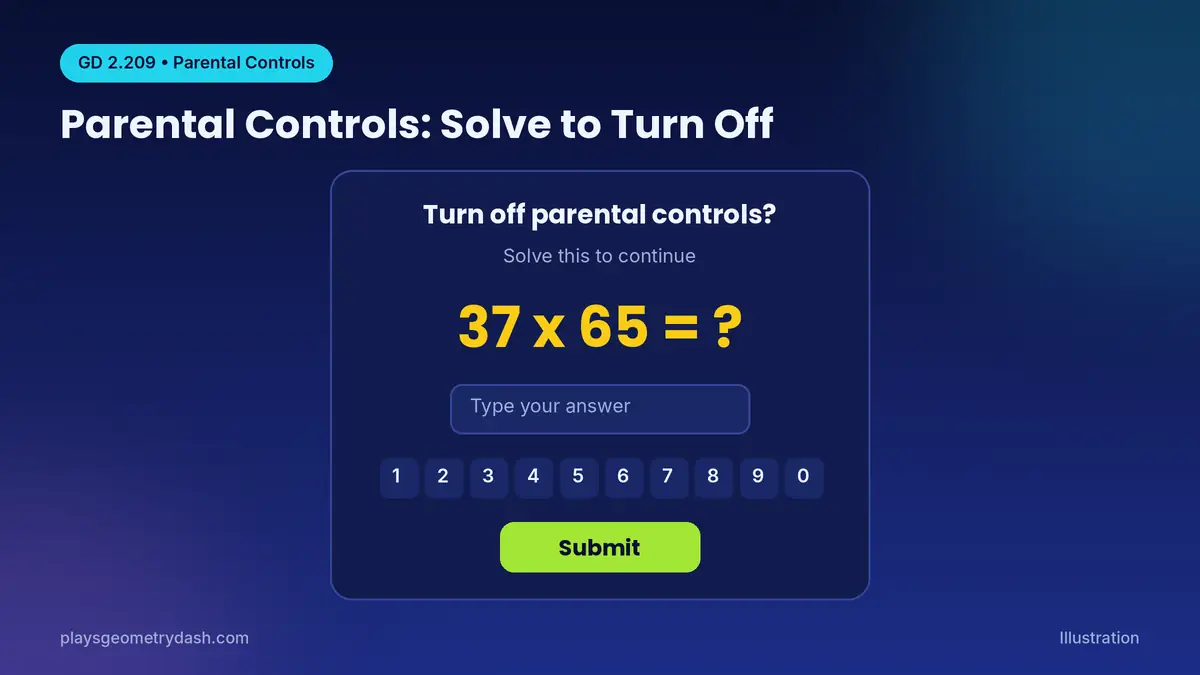
RobTop reworked the parental controls and the reports system, and he also added a profanity filter. The funny part is how you turn the restrictions off, because the game first asks you to solve a multiplication problem such as 37 x 65. For parents, this means a young child cannot simply tap one button to remove the limits you set.
Mods That Are Now Built Into the Game
Several features that used to need Geode mods are now part of the base game.
| Old mod | Built-in 2.209 feature |
|---|---|
| DeathMarkers mod | Death Markers |
| PlatformerSaves mod | Platformer Saving |
| Keybind mods | Custom Keybinds |
This means PC players can now play with fewer mods, and fewer mods usually means fewer crashes after each update. If you used these mods before, try the built-in options before you reinstall anything through Geode.
Known Geometry Dash 2.209 Bugs and How to Fix Them
Two common bugs have easy fixes.
Game Won’t Open After Updating (Geode Crash)
If your game crashes on launch after updating, Geode is usually the cause because it has not fully caught up yet. Open your game folder and run the Geode Uninstaller, and if that fails, delete geode.dll or XInput1_4.dll. Geode v5.11.2 already fixes the crash, but it still mainly targets Update 2.2081.
Double Clicks Not Registering
Some players report that double clicks rarely register in 2.209, and it happens far more often than in 2.208. Until a hotfix arrives, try the Click on Steps option and see if it feels better on your setup. Our troubleshooting guide covers more fixes.
How to Update to Geometry Dash 2.209
Updating takes a minute through the official stores.
- On Steam, open your Library and let Geometry Dash update.
- On Android, open Google Play, find Geometry Dash and tap Update.
- On iPhone or iPad, open the App Store, find Geometry Dash and tap Update.
New players can start from our download guide.
Is 2.209 the Same as 2.21? What’s Next
No, 2.209 is a quality-of-life patch, while Update 2.21 is the next big content update. RobTop said work on 2.21 would continue after this release, and fan sites report it is expected to bring Versus Mode, The Map, new levels and new mechanics.
FAQs
When did Geometry Dash 2.209 come out?
RobTop’s X post confirmed it came out on 15 October 2026 on Steam, Google Play and the App Store on one day.
Does Geode work on 2.209?
Geode works only partly right now, because v5.11.2 stops the crash but still mainly targets 2.2081, so some mods may break until Geode updates.
Is Geometry Dash 2.209 free?
Yes, like every Geometry Dash new update, it is free for anyone who already owns the full game.
Did 2.209 add new levels or icons?
The official patch notes list no new main levels, because this update focuses on menus, controls, social tools and the editor.
Final Thoughts
The Geometry Dash 2.209 update adds no new levels, but it fixes problems that used to need mods. Update your game, test death markers on your hardest level, and set up keybinds with our controls guide.